COMEDK 2026 Aspirants Receive ‘ERROR IN YOUR APPLICATION’ Mails; Know What To Do Now
Thousands of COMEDK 2026 aspirants have received error notifications; you must log in to comedk.org before April 13 at 2:00 PM to fix document and academic errors. Failure to rectify these details could lead to the permanent rejection of your application or issues during the May 9 exam.
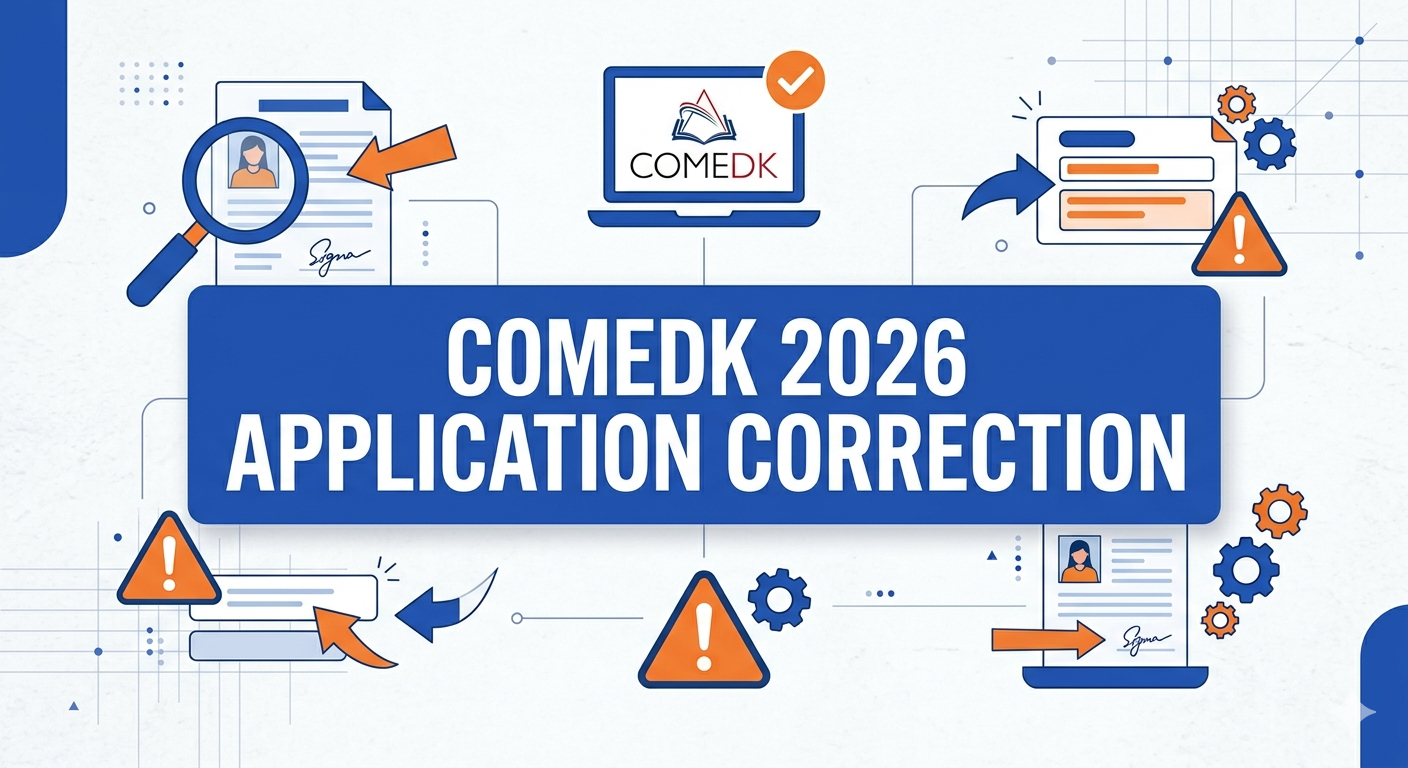
The Consortium of Medical, Engineering, and Dental Colleges of Karnataka (COMEDK) has officially opened the application correction window for the UGET 2026 today, April 10, 2026.
However, the day began with a wave of panic as thousands of applicants reported receiving emails with the alarming subject line: “Errors In Your Application.”
If you have received this email, you are not alone. Many students have noted that even though their forms appeared perfect upon submission, the system has flagged potential discrepancies.
This “alert” is often triggered by automated scanners that find issues with document clarity or formatting that isn’t visible to the naked eye. Here is the expanded guide on what to do.
Why Did I Get the ‘Error in Application’ Mail?
The emails sent out by COMEDK officials serve as a proactive alert system. While some students genuinely have errors—such as blurry photographs or incorrect category details—others may have received the mail as a general reminder to double-check their data during the correction window.
According to official guidelines, the most common reasons for these flags include:
-
Photo Specifications: Not having a white background or using a photo older than three months.
-
Signature Issues: Signatures must be in black ink on white paper; anything else often triggers a system error.
-
Data Mismatch: Discrepancies between your academic records and the digital entry.
Critical: What You CAN and CANNOT Edit
It is a common misconception that everything can be fixed now. COMEDK is very strict about “Unique Identity” fields to prevent impersonation.
| Editable Fields (You CAN Fix) | Locked Fields (You CANNOT Fix) |
| Uploaded Photographs & Signatures | Candidate’s Full Name |
| Academic Details (Marks/School Name) | Date of Birth |
| Category/Caste Information | Registered Email ID |
| Father’s/Mother’s Name | Registered Mobile Number |
| Gender & Address | Test City Preferences |
Detailed Step-by-Step Guide: Fixing the Errors
Do not ignore the email. Even if you believe your form is correct, a “ghost error” could lead to the rejection of your admit card. Follow these steps immediately:
-
Access the Portal: Navigate to comedk.org and click on the ‘UGET 2026 Login’ tab.
-
Verify via Dashboard: Once logged in, look for the “Edit Application” button. If you don’t see it, try clearing your browser cache or using a desktop computer—mobile browsers often glitch during this process.
-
The “Re-upload” Strategy: If your data looks correct but you still received an error mail, re-upload your photo and signature. Ensure the photo is exactly 30mm x 45mm and under 80 KB.
-
Final Review: Double-check your category (General/SC/ST/OBC). A mistake here cannot be fixed during counseling and could cost you a seat.
Submit and Print: After clicking ‘Submit,’ the system will generate a revised confirmation page. Save this PDF immediately.
Important Dates and Exam Schedule
The window is only open for a very short period. Missing this deadline means your current (potentially erroneous) data will be final.
-
Correction Window: April 10 (2:00 PM) to April 13, 2026 (2:00 PM).
-
Admit Card (TAT) Release: April 29, 2026.
-
Exam Date: May 9, 2026 (Saturday).
-
Shifts: Morning (9 AM – 12 PM) and Afternoon (2:30 PM – 5:30 PM).
What if the Error Persists?
If you are unable to edit a field that you know is wrong, or if the portal doesn’t save your changes, contact the COMEDK helpdesk immediately at 080-46671060 or email them at studenthelpdesk@comedk.org. Remember, they will not make changes for you via email; they will only provide technical support to help you use the portal.

📰 More Education News
- KCET 2026 Admit Card (Today) LIVE Updates: KEA Hall Ticket Link Active at cetonline.karnataka.gov.inApr 10, 2026 • Simran
- COMEDK UGET 2026 Application Correction Window Opens Today: How to Edit Your Form at comedk.orgApr 10, 2026 • Simran
- SEBA Assam HSLC Result 2026: Rechecking Registration Begins April 13; Compartment Exam Details InsideApr 10, 2026 • Simran
- TANCET 2026 Registration Last Date Today: Apply Now at tancet.annauniv.eduApr 10, 2026 • Simran