BITSAT 2026 Admit Card Session 2 (OUT) Live: Link, Steps to Download, Instructions
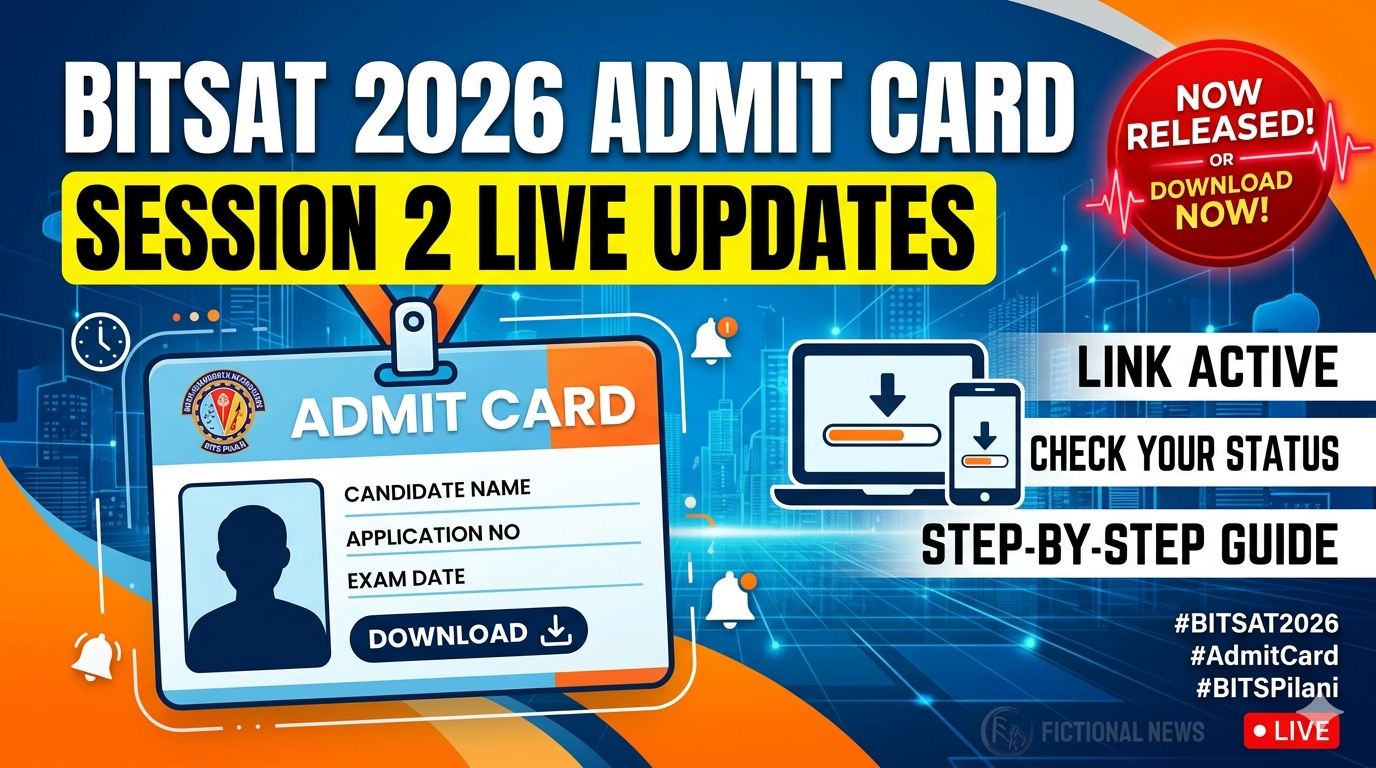
The Birla Institute of Technology and Science Admission Test, popularly known as BITSAT 2026, has released the Session 2 admit card for registered candidates. Students who have successfully completed the slot booking process can now download their hall ticket from the official BITS admission portal. The admit card is one of the most important documents for appearing in the examination, and candidates are advised to carefully check all details mentioned on it before exam day.
BITS Pilani conducts BITSAT every year for admission to its integrated first-degree programmes offered at Pilani, Goa, and Hyderabad campuses. Thousands of engineering aspirants across the country appear for the entrance test to secure admission into programmes such as BE, BPharm, and MSc courses.
With Session 2 examinations approaching soon, the release of the admit card marks a major step in the admission process. Candidates should download the hall ticket immediately and avoid waiting until the last moment to prevent technical issues.
BITSAT 2026 Session 2 Admit Card Released
The admit card for BITSAT 2026 Session 2 has been activated online for candidates who booked their preferred exam slot earlier. Students can access the document using their application number and password on the official website.
The hall ticket contains important information including:
- Candidate’s name
- Application number
- Exam date
- Reporting time
- Exam centre address
- Slot timing
- Photograph and signature
- Important exam-day guidelines
Candidates must verify all details carefully after downloading the admit card. In case of any discrepancy, they should contact the examination authorities immediately.
Importance of the Admit Card
The BITSAT admit card acts as the official entry pass for the examination hall. No student will be allowed to appear for the test without carrying a printed copy of the hall ticket and a valid photo ID proof.
Candidates should remember that digital copies on mobile phones may not be accepted at the examination centre. Therefore, students are advised to take multiple printouts of the admit card for safety purposes.
Apart from exam entry, the admit card may also be required during later stages of admission and counselling. Hence, it should be preserved carefully even after the examination concludes.
Steps to Download BITSAT 2026 Session 2 Admit Card
Candidates can follow these simple steps to access their hall ticket online:
- Visit the official BITS admission portal.
- Click on the “BITSAT 2026 Admit Card Session 2” link.
- Enter application number and password.
- Submit the login credentials.
- The admit card will appear on the screen.
- Download the PDF file.
- Take a clear printout for future use.
Students should ensure that the print quality is good and all details are clearly visible.
Details Mentioned on the Hall Ticket
After downloading the admit card, candidates should carefully check the following information:
Personal Details
- Candidate’s full name
- Photograph
- Signature
- Gender
- Date of birth
Examination Details
- Test date
- Slot timing
- Reporting time
- Examination centre name
- Centre address
Instructions
- Items allowed inside the exam hall
- Reporting rules
- Identity verification guidelines
- Prohibited objects
If any mistake is found in the admit card, candidates should immediately report it to the authorities before the examination date.
BITSAT 2026 Session 2 Exam Schedule
BITSAT is conducted in multiple sessions to provide flexibility to students. Session 2 examinations are expected to be held over several days in computer-based mode across designated centres.
The examination generally includes questions from:
- Physics
- Chemistry
- Mathematics/Biology
- English Proficiency
- Logical Reasoning
Candidates are advised to revise important concepts and practice mock tests during the final days before the examination.
Exam Pattern of BITSAT 2026
Understanding the exam pattern can help students prepare better. The BITSAT exam is conducted online and includes multiple-choice questions.
Key Highlights
- Mode: Computer-Based Test
- Duration: 3 hours
- Question Type: Multiple Choice Questions
- Medium: English
Subjects Covered
- Physics
- Chemistry
- Mathematics/Biology
- English
- Logical Reasoning
The exam is known for its speed-based format, where students must answer questions quickly and accurately within the allotted time.
Reporting Time and Entry Rules
Candidates must reach the exam centre well before the reporting time mentioned on the admit card. Late entry may not be permitted under any circumstances.
Students are advised to:
- Reach the centre at least one hour early
- Carry all required documents
- Follow instructions given by invigilators
- Cooperate during biometric verification
Security checks are expected at all examination centres. Candidates may undergo identity verification before entering the exam hall.
Documents Required at the Exam Centre
Students must carry the following items on exam day:
- Printed admit card
- Valid photo identity proof
- Passport-size photograph if required
Accepted photo IDs may include:
- Aadhaar Card
- PAN Card
- Passport
- School ID
- Driving Licence
- Voter ID
Failure to produce valid documents may result in denial of entry.
Items Not Allowed Inside the Exam Hall
BITS Pilani has issued strict guidelines regarding prohibited items. Candidates should avoid carrying unnecessary materials.
The following items are generally not allowed:
- Mobile phones
- Smart watches
- Bluetooth devices
- Calculators
- Notes or papers
- Electronic gadgets
Students found using unfair means may face disqualification from the examination process.
Important Instructions for Candidates
Candidates should follow these instructions carefully:
Before the Exam
- Check exam centre location in advance
- Keep documents ready
- Sleep properly before exam day
- Revise short notes and formulas
During the Exam
- Read questions carefully
- Manage time wisely
- Avoid spending too much time on one question
- Stay calm and focused
After the Exam
- Keep admit card safely
- Track official updates regarding answer key and results
- Prepare documents for counselling if shortlisted
Common Problems While Downloading the Admit Card
Some students may face issues while accessing the hall ticket. Common problems include:
- Incorrect login credentials
- Slow website response
- Forgotten password
- Browser compatibility issues
Candidates can try:
- Refreshing the webpage
- Using another browser
- Resetting the password
- Checking internet connectivity
It is recommended not to wait until the final hours before the exam for downloading the admit card.
Expected Cutoff Trends
While official cutoffs will be released after the examination process, experts expect competition to remain high for top branches such as:
- Computer Science
- Electronics and Communication
- Electrical and Electronics
BITS Pilani campuses continue to attract students due to their strong academic reputation, placement records, and industry exposure.
The final cutoff may depend on:
- Difficulty level of the exam
- Number of candidates
- Seat availability
- Overall performance
What Happens After BITSAT 2026?
After the examination concludes, the next stages generally include:
- Result declaration
- Scorecard release
- Counselling registration
- Preference filling
- Seat allotment
Candidates should regularly check the official website for admission updates and counselling schedules.
Final Preparation Tips
As the exam date approaches, students should focus on:
- Mock tests
- Time management
- Formula revision
- Accuracy improvement
Experts advise candidates not to start completely new topics at the last moment. Instead, they should strengthen concepts already studied.
Maintaining confidence and staying calm can significantly improve performance during the examination.
Conclusion
The release of the BITSAT 2026 Session 2 admit card is an important update for engineering aspirants preparing for one of the country’s leading entrance examinations. Candidates must download their hall ticket early, verify all details carefully, and strictly follow exam-day instructions. Proper planning, timely reporting, and focused preparation can help students perform confidently in the examination.

📰 More Education News
- JEE Advanced Response Sheet 2026 (Today) Live: Link Soon at jeeadv.ac.in, Answer Key and Result Date, CutoffMay 21, 2026 • Simran
- UGC NET June 2026 Registration Last Date Extended Live: Apply at ugcnet.nta.nic.in; Application Form Correction Deadline AnnouncedMay 21, 2026 • Simran
- NDA 2 Notification 2026 Released for 394 Vacancies: Register at UPSC; Check Eligibility, Exam Date, Selection Process and MoreMay 21, 2026 • Simran
- Mumbai University First Merit List 2026 on May 26 at muugadmission.samarth.edu.in; Know Details HereMay 21, 2026 • Simran