IISER Application Correction 2026 Link Activated; Know How to Edit Your Form
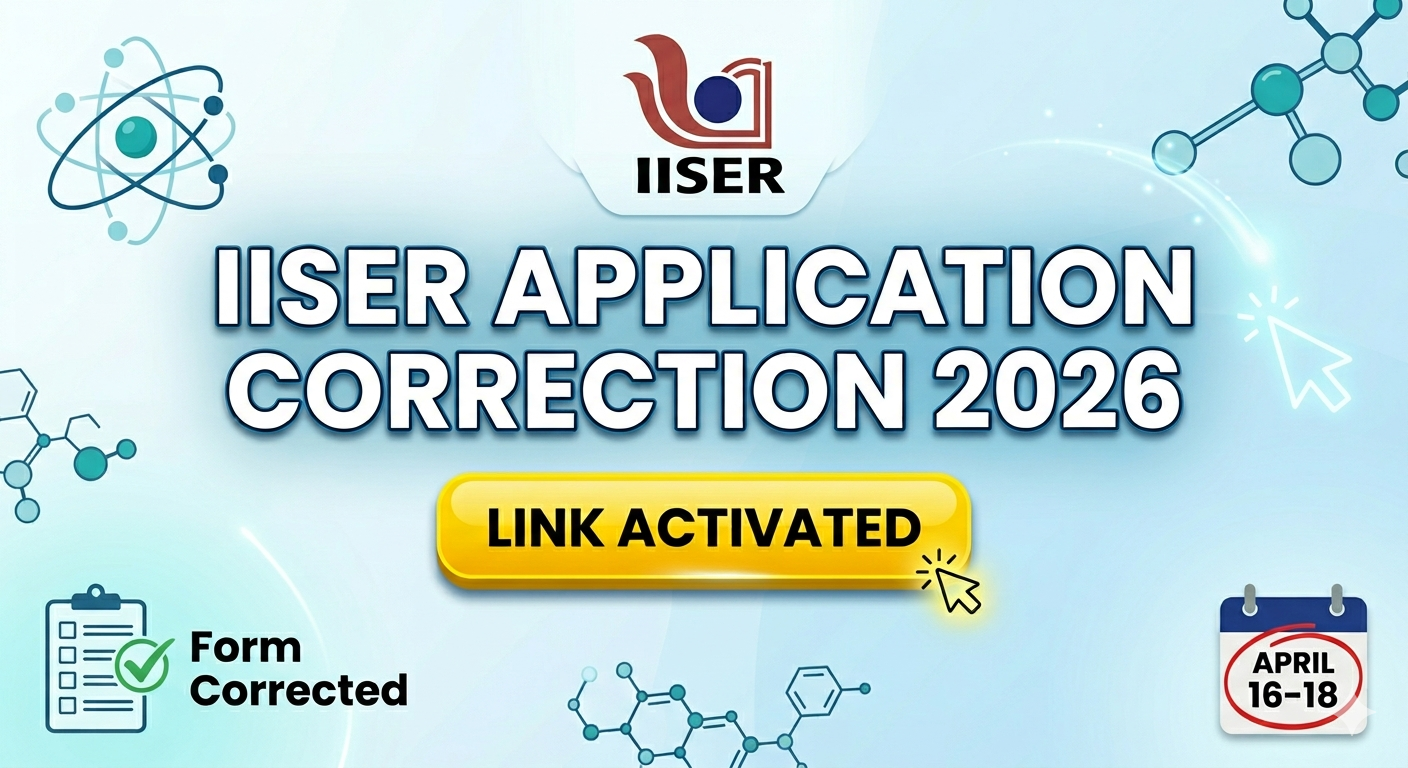
The IISER IAT 2026 correction window is live from April 16 to April 18 (11:55 PM), allowing students to fix errors in marks, category, and names. This is the final chance to ensure application accuracy before the national-level entrance exam on June 7.
The Indian Institutes of Science Education and Research (IISER) have officially activated the IISER Aptitude Test (IAT) 2026 application correction link.
This is a crucial window for students who may have made mistakes during the initial registration process, which concluded on April 13.
Starting today, April 16, 2026, candidates can log in to the official portal to rectify specific details. Given the competitive nature of the IAT and the strict admission guidelines, this three-day window is likely the final opportunity for students to ensure their data is 100% accurate before the hall tickets are generated.
Key Dates for IAT 2026 Correction Window
Timing is everything when it comes to entrance exams. Candidates must complete their edits within the following strict timeframe. The portal was activated at 11:00 AM on April 16 and will remain accessible until the late hours of April 18. It is vital to note that after this deadline, the “Edit” function will be disabled, and no further requests for changes will be entertained by the Joint Admission Committee.
-
Correction Window Opens: April 16, 2026 (11:00 AM)
-
Correction Window Closes: April 18, 2026 (11:55 PM)
-
Admit Card Release: May 24, 2026
-
IAT 2026 Exam Date: June 7, 2026 (9:00 AM – 12:00 PM)
How to Edit the IISER 2026 Application Form?
Correcting your form is a straightforward online process, but it requires careful attention. The “Edit” function is only available to those whose initial applications were successfully submitted and not rejected. Follow these steps to ensure your changes are saved:
-
Visit the Official Website: Navigate to the official admissions portal at iiseradmission.in.
-
Login to Your Account: Click on the login button and enter your User ID and Password generated during registration.
-
Access the Form: Once logged in, navigate to your application dashboard. Look for the “Application Form” tab where an “Edit/View” button should now be visible.
-
Make Necessary Changes: Update the fields that require correction. If you change your category (e.g., moving from SC/ST to General), the system will prompt you to pay the additional fee difference.
-
Submit and Print: After making corrections, click on the “Submit” button. You must download and print the updated application PDF, as older versions will become invalid.
People Also Read


What Can You Edit? (Editable vs. Non-Editable Fields)
IISER allows only limited changes to the application form to maintain the integrity of the candidate database. While you can fix minor errors, core identity details remain locked.
Editable Fields:
-
Candidate/Parents’ Name: Candidates are typically allowed to edit one of these fields (either their own name, father’s name, or mother’s name) if a typo occurred.
-
Educational Qualifications: This includes your Class 10 and Class 12 marks, school names, and board details.
-
Category & Sub-Category: You can update your category (General/OBC-NCL/SC/ST/EWS) or PwD status.
-
Exam City Preferences: Some versions of the correction window allow you to re-order your preferred test centers based on current availability.
Non-Editable Fields:
You cannot change the primary contact details used to create your registration:
-
Primary Mobile Number
-
Email Address
-
Date of Birth
-
Gender
-
Nationality
Why Is This Correction Window Important?
The IISER Aptitude Test is the gateway to India’s most prestigious science programs, including the BS and BS-MS dual degrees at IISERs, IISc Bangalore, and IIT Madras. If the info on your application form—especially your category or marks—doesn’t match your physical documents during counseling, your admission can be cancelled instantly.
Since the exam is highly competitive (scoring 200+ out of 240 is usually the target for top-tier institutes), you don’t want a simple clerical error to stand in the way of your hard-earned rank. This window is your “safety net” to ensure your paperwork is as ready as your preparation.




📰 More Education News
- SNUSAT Result 2026 Phase 1 to Be Declared Today at ugapplications.snu.edu.in; Know How to Download ResultMay 29, 2026 • Simran
- NEET UG, PG Counselling 2026-27: MCC Issues Guidelines for Nationality Conversion to NRIMay 29, 2026 • Simran
- IIT Madras SWAYAM Plus Launches 3 New AI Courses Under AI for All InitiativeMay 29, 2026 • Simran
- Mumbai University 2026 Second Merit List Out Tomorrow! Get Live Updates for College-Wise AdmissionsMay 29, 2026 • Simran