What is ABC ID & How to Create Yours for ODL & Online Degree Admissions in India
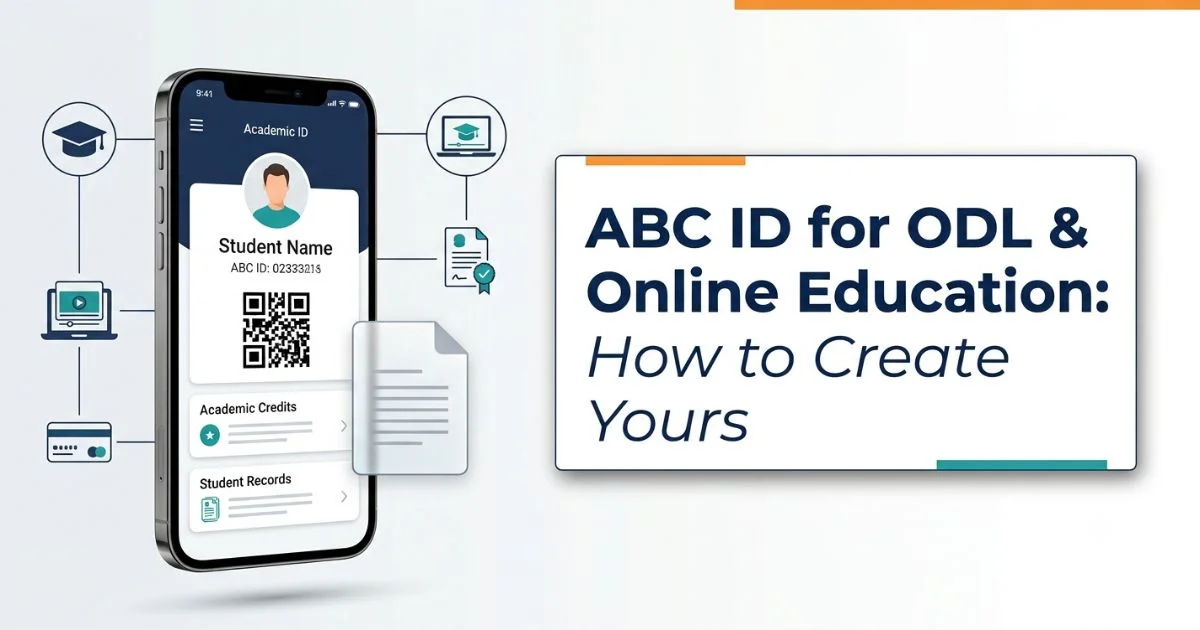
ABC ID stands for Academic Bank of Credits ID. It is a unique student identifier linked to the Academic Bank of Credits (ABC), a digital platform that allows eligible students to store, accumulate, transfer and redeem academic credits earned from recognised higher education institutions. The initiative is regulated by the University Grants Commission (UGC). The ABC ID is created via DigiLocker registration (explained ahead in detail).
For students planning to pursue an online degree or a programme through Open and Distance Learning (ODL) in India, an ABC ID is particularly important because it is mandatory for generating a DEB ID. Without the ABC ID, you do not have the DEB ID and thus, no access to the course.
In this article, we take a detailed look at the ABC ID in India and how it fits into the ODL/online education system. Find the ABC ID registration process, what to do after creating the ABC ID, common errors and how to fix them and a lot more.
Direct Link to ABC Portal
Here is the direct link to Academic Bank of Credits Portal
| Resource | Direct Link |
| ABC Portal | Click Here |
What is ABC ID and How Does it Work
An ABC ID (Academic Bank of Credits ID) is a unique 12-digit ID linked to a student’ Academic Bank of Credits (ABC). The ABC is a digital system regulated by the University Grants Commission (UGC). It allows students to maintain the credits of all their academic pursuits. Think of it like a bank account, but with credits instead of money. When students complete eligible courses, the institution can deposit the verified credits into their academic accounts. These credits can then be accumulated, transferred or redeemed towards a degree, diploma or certificate.
The ABC ID is created through DigiLocker, while the DEB ID is created on the official UGC-DEB portal.
Role of ABC ID in ODL/Online Degree Admissions in India
Introduced under the NEP 2020 framework, the Academic Bank of Credits (ABC) promotes flexibility in higher education by enabling academic credit storage and transfer. For students pursuing an online MBA, distance BBA or any other online/ODL programme, an ABC ID is mandatory to generate a DEB ID, which is required for admission to UGC-recognised online and distance programmes.
Other Uses of ABC ID
- Credit Transfer: Helps students transfer eligible academic credits between participating institutions.
- Multiple Entry and Exit: Allows students to retain eligible credits when leaving a programme and potentially resume studies later.
- Interdisciplinary Learning: Supports credit accumulation across different subjects and disciplines.
- Online Course Credits: Enables eligible credits from platforms such as SWAYAM to be recorded and transferred, subject to applicable rules.
- Degree Completion: Allows accumulated eligible credits to count towards a qualification, subject to institutional requirements.
How to Create Your ABC ID: Step by Step Guide
Students can complete their ABC ID registration online through DigiLocker by following these steps:
- Visit DigiLocker: Open the official DigiLocker website and sign in or create an account.
- Search for ABC ID: Find Academic Bank of Credits (ABC) under the education section or search for the ABC ID card.
- Enter your details: Fill in the required information, including admission year, identity type and identity value.
- Select your institution: Choose your university or college from the available list.
- Give consent: Review the details and provide consent to proceed.
- Generate your ABC ID: Click Get Document to generate or retrieve your ABC ID card.
- Download your ABC ID: Find the issued document in DigiLocker and save a copy for future reference.
What to Do After Creating an ABC ID For ODL/Online Degree Admissions in India
After completing your ABC ID registration, follow these steps to proceed with your online or ODL degree admission.
- Generate your DEB ID: Create your DEB ID using this step-by-step guide.
- Check university recognition: Confirm that your chosen university is recognised or entitled by the UGC-DEB for your admission session.
- Verify programme approval: Ensure your specific online or ODL course is approved for the relevant session.
- Complete admission: Enter your DEB ID on the university’s admission portal and complete the application process.
ABC ID vs DEB ID: Quick Comparison
ABC ID and DEB ID serve different purposes in online and ODL admissions in India, and students need an ABC ID to generate their DEB ID.
| Basis | ABC ID | DEB ID |
| Full form | Academic Bank of Credits ID | Distance Education Bureau ID |
| Main purpose | Identifies a student’s academic credit account | Registers a student for online and ODL education under UGC-DEB |
| Primary use | Recording and managing eligible academic credits | Supporting admission to recognised online and ODL programmes |
| How to create | Through DigiLocker | Through the UGC-DEB portal |
| Requirement | Needed to generate a DEB ID | Mandatory for admission to covered online and ODL programmes |
| Relationship | Created first | Generated using the ABC ID |
Are ABC ID and APAAR ID Same?
Yes, ABC ID and APAAR ID are often used interchangeably in India’s education system. APAAR ID is the 12-digit student identifier linked to the Academic Bank of Credits (ABC), which stores and manages eligible academic credits. Students need this ID to generate a DEB ID for online and ODL admissions.
How to Find ABC ID in DigiLocker?
Students can find and download their ABC ID card through DigiLocker by following these steps:
- Visit the official DigiLocker website or open the DigiLocker app.
- Log in using your registered mobile number or Aadhaar-linked account.
- Search for Academic Bank of Credits (ABC) in the search bar.
- Select the relevant issuer and enter the required details, including your admission year and identity value.
- Click Get Document to retrieve your ABC ID card, if it has already been issued.
- Open the document under Issued Documents to view your ABC ID number and download the card.
If your ABC ID does not appear, check your details and institution selection before trying again.
ABC ID: Common Problems & How to Fix Them
ABC ID registration or login issues can occur due to incorrect details, Aadhaar mismatches or technical errors. Here are common problems and how to fix them.
| Common problem | How to fix it |
| ABC ID not generated | Recheck your details and institution selection on DigiLocker, then try again. |
| Name or date of birth mismatch | Ensure your details match Aadhaar. Correct discrepancies before generating your DEB ID. |
| College or university not listed | Check the institution name carefully. Contact your institution if it is missing. |
| ABC ID not found in DigiLocker | Log in to the correct account and search for the ABC ID card under education documents. |
| Unable to log in | Verify your registered mobile number and OTP, or use DigiLocker’s account recovery options. |
| Incorrect ABC ID details | Raise a ticket through the ABC Support Portal or contact the ABC support helpline at 1800-889-3511. |
| DEB ID generation fails | Check your ABC ID and personal details, resolve discrepancies, and retry on the UGC-DEB portal. |
Can I Create an ABC ID without Aadhar?
Yes, students may be able to create an ABC ID or APAAR ID using alternative sign-up methods, such as mobile number and OTP authentication through Meri Pehchaan or DigiLocker. However, Aadhaar is integrated into the standard process, and additional identity verification may be required depending on the registration method and institution.
Can I Download an ABC ID Card in PDF Format?
Yes, you can download your ABC ID card in PDF format through DigiLocker by following these steps:
- Visit the DigiLocker portal and log in.
- Open Issued Documents and locate your ABC ID card.
- Select the document to view your ABC ID number and details.
- Click Download to save the ABC ID card as a PDF for future reference.
FAQs
What is an ABC ID?
An ABC ID is a unique 12-digit Academic Bank of Credits identifier that helps students store, accumulate, transfer and redeem eligible academic credits earned through participating higher education institutions.
How to create an ABC ID?
Students can create an ABC ID online through DigiLocker by signing in, searching for the Academic Bank of Credits, entering the required details, selecting their institution and generating their ID card.
Who can create an ABC ID?
Any student pursuing higher education in India can create an ABC ID to maintain eligible academic credits earned through recognised and participating higher education institutions.
Is ABC ID mandatory for college and university students?
ABC ID is required to generate a DEB ID for admission to covered UGC-recognised online and Open and Distance Learning (ODL) programmes in India.
What is the role of ABC ID in Online and ODL admissions in India?
ABC ID enables students to generate their mandatory DEB ID, which supports admission to UGC-recognised online and distance programmes for the relevant academic session.
Where is ABC ID useful apart from ODL and online education in India?
ABC ID supports academic credit storage, transfer, accumulation and redemption, helping students pursue flexible learning pathways, multiple entry and exit options, and eligible interdisciplinary studies.
What is ABC ID in CUET
ABC ID is a 12-digit Academic Bank of Credits identifier used to maintain eligible academic credits. Its specific requirements for CUET depend on applicable admission instructions.
ABC ID Value vs ABC Credits Value
ABC ID is the unique 12-digit identifier linked to a student’s academic credit account, whereas ABC credits represent eligible academic learning accumulated and recorded in that account.