NEST 2026 Admit Card Live: Steps to Download, Revised Hall Ticket Date
The National Entrance Screening Test, popularly known as NEST, is one of the most important entrance exams for students who wish to study science and research after Class 12. Every year, thousands of candidates apply for the exam to get admission into top institutes such as the National Institute of Science Education and Research (NISER), Bhubaneswar, and the University of Mumbai – Department of Atomic Energy Centre for Excellence in Basic Sciences (UM-DAE CEBS).
Now, students across the country are eagerly waiting for the release of the NEST 2026 admit card. The examination authorities are expected to activate the hall ticket download link soon on the official website. Along with the admit card, officials have also shared updates regarding the revised release schedule and important instructions for candidates appearing in the exam.
Candidates are advised to keep checking the official portal regularly because the admit card is a mandatory document required to enter the examination centre. Without the hall ticket, candidates will not be allowed to appear for the entrance test.
NEST 2026 Admit Card Release Update
According to the latest updates, the NEST 2026 admit card will be released online only. Candidates who successfully completed the application process and paid the required examination fee will be able to download the hall ticket by using their login credentials.
Initially, the admit card was expected to be released earlier. However, due to administrative reasons and final verification of candidate details, the schedule has reportedly been revised. The updated release date is expected to be announced shortly on the official website.
Once released, candidates should immediately download and verify all the details mentioned on the hall ticket. Any discrepancy must be reported to the authorities as soon as possible.
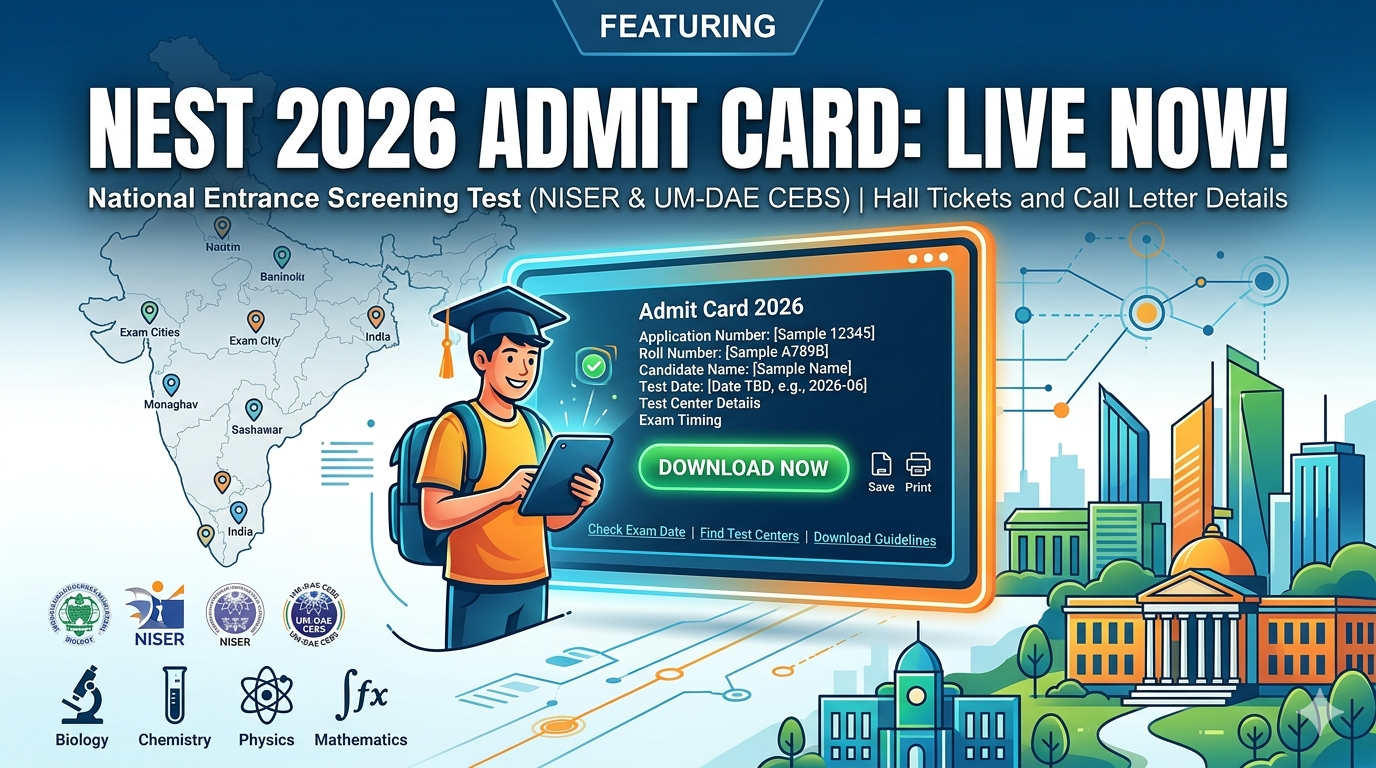
The admit card is likely to include important information such as:
- Candidate’s name
- Roll number
- Application number
- Exam date and time
- Examination centre details
- Reporting time
- Candidate photograph and signature
- Exam day guidelines
Students are advised not to wait until the last moment to download the admit card because heavy traffic on the website may slow down the server.
What is NEST Exam?
NEST is a national-level entrance examination conducted for admission to integrated MSc programmes in basic sciences. The exam is highly popular among students interested in research careers in Physics, Chemistry, Biology, and Mathematics.
The examination is conducted jointly by NISER Bhubaneswar and UM-DAE CEBS Mumbai. The institutions are supported by the Department of Atomic Energy, Government of India.
The integrated MSc programme offered through NEST provides students with strong academic training, research exposure, and scholarship opportunities. Many graduates from these institutes later pursue higher education and research careers in India and abroad.
Revised Hall Ticket Date Expected Soon
The revised admit card release schedule has become a major topic among aspirants. Many students were expecting the hall ticket to be released already, but officials are likely finalizing technical and verification-related processes before activating the link.
Experts believe that the revised admit card date announcement may happen very soon. Once released, candidates will likely get a few days to download and print the hall ticket before the examination date.
Students should regularly check notifications because missing any official update may create confusion later.
Steps to Download NEST 2026 Admit Card
Candidates can follow these simple steps to download their NEST 2026 hall ticket online:
Step 1: Visit the Official Website
Go to the official NEST examination portal.
Step 2: Find the Admit Card Link
On the homepage, click on the “NEST 2026 Admit Card” or “Download Hall Ticket” link.
Step 3: Enter Login Credentials
Candidates will need to enter details such as:
- User ID or application number
- Password
- Captcha code
Step 4: Submit the Details
After entering the information, click on the submit button.
Step 5: Download the Admit Card
The admit card will appear on the screen. Candidates should carefully check all details before downloading it.
Step 6: Print the Hall Ticket
Take multiple printouts of the admit card for future use. It is advisable to keep extra copies in case one gets misplaced.
Important Details to Verify on Admit Card
After downloading the hall ticket, students should carefully verify the following details:
- Name spelling
- Date of birth
- Category details
- Photograph clarity
- Signature visibility
- Exam centre address
- Exam timing
- Roll number
If any mistake is found, candidates should contact the examination authority immediately.
NEST 2026 Exam Pattern
Understanding the examination pattern is very important for candidates preparing for NEST 2026. The entrance exam is designed to test conceptual understanding and analytical thinking.
The paper usually includes questions from:
- Physics
- Chemistry
- Biology
- Mathematics
The examination is generally conducted in computer-based mode. Questions are objective in nature and may include multiple-choice formats.
The marking scheme may include negative marking for incorrect answers in certain sections. Therefore, candidates are advised to attempt questions carefully.
Exam Day Instructions for Candidates
Along with the admit card, students must follow several important examination guidelines. Failure to follow instructions may lead to disqualification from the exam.
Reach the Centre Early
Candidates should arrive at the examination centre well before the reporting time mentioned on the admit card.
Carry Valid ID Proof
Students must carry a valid government-issued photo identity card such as:
- Aadhaar Card
- PAN Card
- Passport
- School ID
- Voter ID
Bring Printed Admit Card
Only printed copies of the admit card will be accepted. Digital copies on mobile phones may not be allowed.
Avoid Restricted Items
Candidates should not carry prohibited items including:
- Mobile phones
- Smart watches
- Bluetooth devices
- Calculators
- Notes or papers
Follow Dress Code Instructions
If any dress code guidelines are issued, candidates must follow them carefully.
Common Problems While Downloading Admit Card
Many students face technical issues while downloading the admit card. Some common problems include:
Forgotten Password
Candidates can use the “Forgot Password” option available on the login page to reset credentials.
Website Slowdown
Heavy traffic may temporarily slow the website. Students should try again after some time.
Incorrect Login Details
Candidates should ensure they enter the correct application number and password.
Incomplete Application
If the application form was incomplete or payment failed, the admit card may not be generated.
Preparation Tips Before the Exam
As the examination date approaches, students should focus on revision instead of learning entirely new topics.
Revise NCERT Concepts
Most science entrance exams are strongly based on conceptual understanding from NCERT books.
Practice Mock Tests
Mock tests help students improve time management and accuracy.
Focus on Weak Areas
Candidates should identify subjects or chapters where they make mistakes frequently.
Maintain Proper Sleep
Good sleep is important for concentration and performance during the examination.
Avoid Stress
Students should remain calm and confident during the final preparation phase.
Importance of NEST for Science Students
NEST is considered one of the best opportunities for students interested in scientific research careers. The institutions accepting NEST scores offer quality education, laboratory exposure, and research opportunities from the undergraduate level itself.
Students admitted through NEST often receive scholarships and financial support during their studies. The curriculum is research-oriented and helps students prepare for future careers in academics, research organizations, and advanced scientific studies.
Many students choose NEST because it offers an alternative path to top science institutes beyond traditional engineering and medical entrance exams.
What to Do After Downloading the Hall Ticket
After downloading the admit card, candidates should:
- Read all instructions carefully
- Visit the exam centre location in advance if possible
- Arrange travel plans early
- Keep ID proof ready
- Prepare required stationery if permitted
- Keep multiple copies of the hall ticket
Candidates should also monitor official announcements for any last-minute updates regarding the examination.
Final Words
The release of the NEST 2026 admit card is an important moment for thousands of science aspirants across the country. With the revised hall ticket date expected soon, candidates should stay alert and regularly visit the official website for updates.
The admit card is not just an entry pass to the examination hall but also an important document containing essential exam-related information. Students must download it on time, verify all details carefully, and follow all examination guidelines properly.
As competition remains high, candidates should continue their preparation with full focus and confidence. A calm mind, proper revision, and smart exam strategy can help students perform well in the NEST 2026 examination.

📰 More Education News
- TNEA 2026 Rank List on July 1; Counselling Dates Expected To Be Released on Same DayJun 29, 2026 • Simran
- AIIMS Paramedical 2026 Admit Card (OUT) LIVE; Direct Link @aiimsexams.ac.in & Download StepsJun 29, 2026 • Simran
- PU LLB Entrance Exam 2026 Live: Answer Key (OUT), Paper Analysis, Difficulty, Questions, Expected CutoffJun 29, 2026 • Simran
- KLEE 2026 Answer Key Objection Window Opens: Challenge Provisional Answer Key Before July 2Jun 29, 2026 • Simran