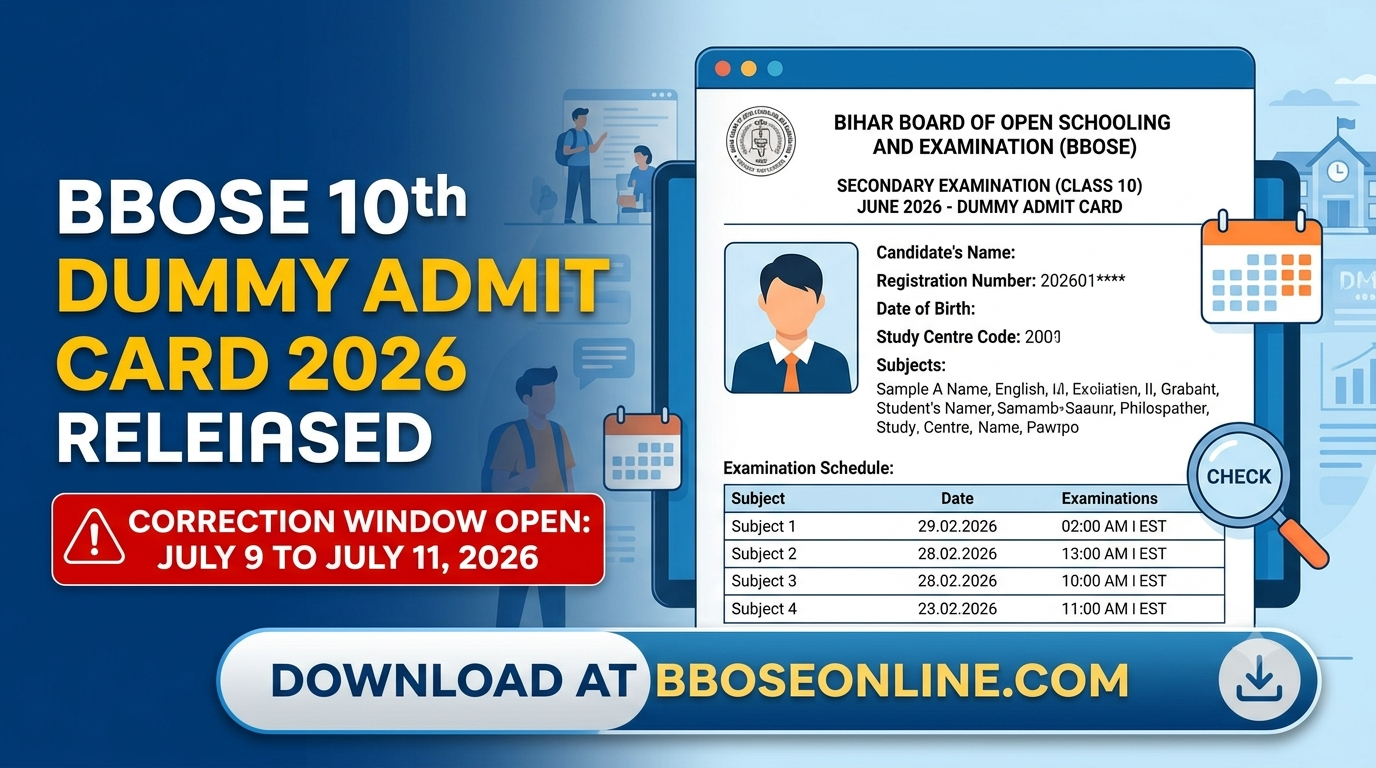
BBOSE Class 10th Dummy Admit Card 2026 Released At bboseonline.com: How To Download And Correct Error
The Bihar Board of Open Schooling and Examination (BBOSE) has officially released the dummy admit cards for the upcoming Secondary (Class 10) June 2026 examination. If you are preparing to appear for this exam, this is an essential update you must act on right away. The download link is fully active on the official board website at bboseonline.com.
You might wonder why a dummy admit card matters so much. Think of it as a final preview or a rough draft. It gives you a vital opportunity to verify your personal details, chosen subjects, and identity information before the final, permanent hall tickets are printed. Checking it thoroughly ensures that no spelling mistakes or incorrect details follow you into the examination hall, saving you from unwanted stress on your test day.
The Bihar School Examination Board (BSEB) will be managing and conducting this BBOSE Class 10 exam session. To ensure that every single student receives an error-free final document, the board uploaded these dummy cards based strictly on the details you provided during your initial registration. However, you must move quickly because the correction window is open for a very brief period.
BBOSE Class 10 Dummy Admit Card 2026: Key Highlights
Before jumping into the downloading process, let’s take a quick look at the fundamental details regarding this release:
-
Exam Authority: Bihar School Examination Board (BSEB)
-
Class Level: Secondary (Class 10)
-
Exam Session: June 2026
-
Official Portal: bboseonline.com
-
Correction Window: July 9 to July 11, 2026
How to Download BBOSE 10th Dummy Admit Card 2026
Downloading your dummy hall ticket is a straightforward online process that you can complete from any computer or smartphone. Make sure to keep your original registration papers nearby so you can cross-check your login details accurately.
Step-by-Step Guide to Access Your Hall Ticket Online
Correction Process for BBOSE 10th Dummy Admit Card 2026
Once you download the document, look over every single line carefully. If you spot a mistake, you must follow the board’s official correction procedure immediately. Keep in mind that students cannot edit their details online by themselves.
How to Submit an Error Correction Request?
First, print out a physical copy of the downloaded dummy admit card. Use a pen to clearly mark or underline the specific errors, such as a wrong subject code, an incorrect gender mark, a typo in your date of birth, or category discrepancies. Write the correct details clearly next to the mistake, and sign the bottom of the page to authorize the change.
Next, take this signed paper straight to the coordinator at your respective BBOSE study centre. The coordinator will log into the official school portal to submit your rectification requests online. Ensure you hand this over to them quickly so they have enough time to upload the changes before the system locks down.
Important Restrictions and Deadlines
The absolute deadline for completing this entire process is July 11, 2026. After this date, the portal will close permanently, and no further correction requests will be entertained. Your final admit card will then be printed exactly as it appears now.
Additionally, please be aware of a very strict board policy: complete changes to the candidate’s name or the parents’ names will absolutely not be accepted under any circumstances. The core identity must match your original registration records. Check your photograph and signature clearly, and stay proactive to ensure your details are perfectly accurate.
Further reading
📰 More Education News
- Rajasthan Board 12th half-yearly exam 2026-27 proposed for November 19 to December 5Oct 9, 2026 • Nishit Kumar
- BA/B.Com (Open Stream) and PG admissions at CM College Nadavayal: apply by prescribed dateOct 9, 2026 • Nishit Kumar
- Christ College Pune: Apply for BA English with 10+2 eligibilityOct 9, 2026 • Nishit Kumar
- KEA PGCET 2026 counselling dates revised: pay fees, confirm seats by October 9Oct 9, 2026 • Nishit Kumar