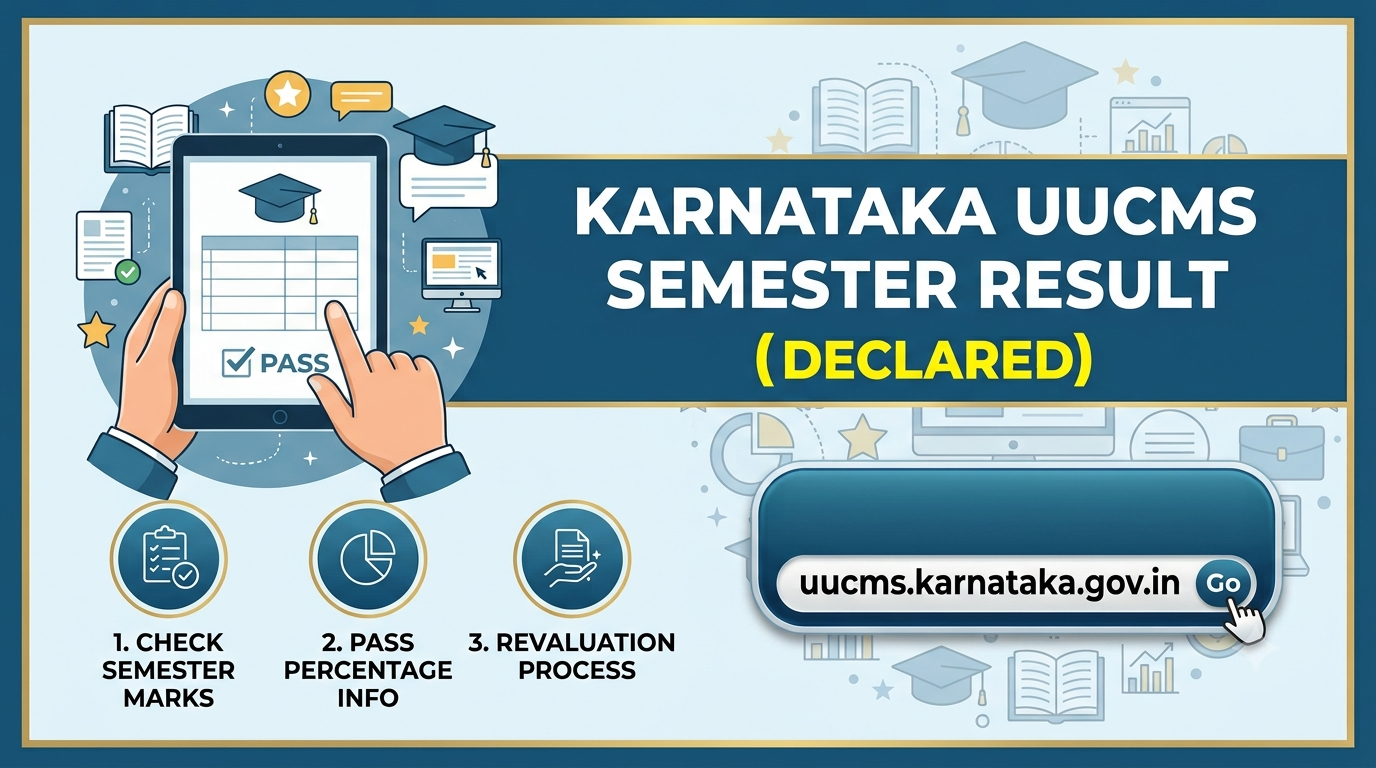
Karnataka UUCMS Result 2026 (Declared): Check Semester Marks, Pass Percentage, and Revaluation Process
The Department of Higher Education, Government of Karnataka, has officially declared the UUCMS 2026 semester results for various undergraduate (UG) and postgraduate (PG) courses. Students who appeared for these semester exams can now view and download their digital marks cards by visiting the official Unified University and College Management System (UUCMS) website.
The announced results cover several streams, including Bachelor of Arts (BA), Bachelor of Commerce (B.Com), Bachelor of Science (B.Sc), Bachelor of Business Administration (BBA), and Master of Commerce (M.Com). The single-window portal makes it easier for students across multiple state universities to view their full marks sheet without visiting individual college campuses.
Karnataka UUCMS Result 2026: Overview
| Exam Authority | Department of Higher Education, Government of Karnataka |
| Portal Name | Unified University and College Management System (UUCMS) |
| Courses Covered | UG & PG (BA, B.Com, B.Sc, BBA, M.Com, etc.) |
| Participating Universities | Bangalore University, Mangalore University, Kuvempu University, and others |
| Result Status | Declared (Released in phases) |
| Official Website | uucms.karnataka.gov.in |
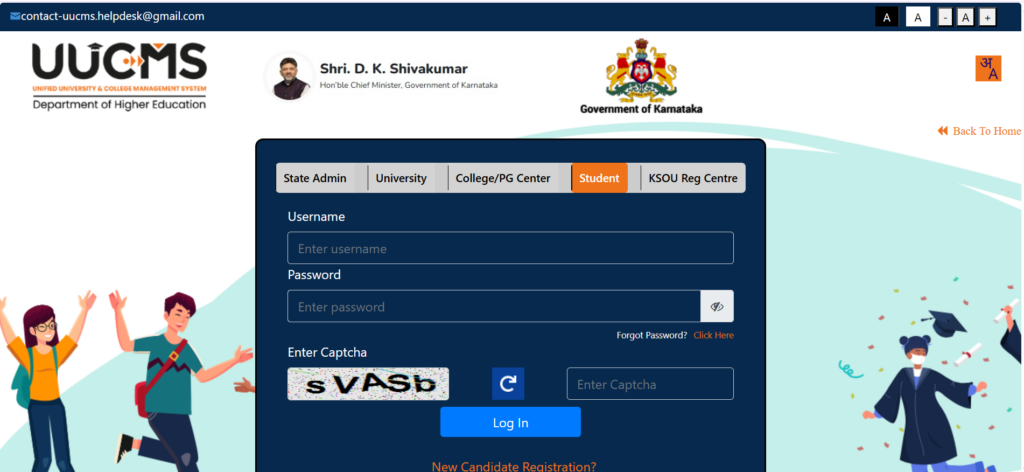
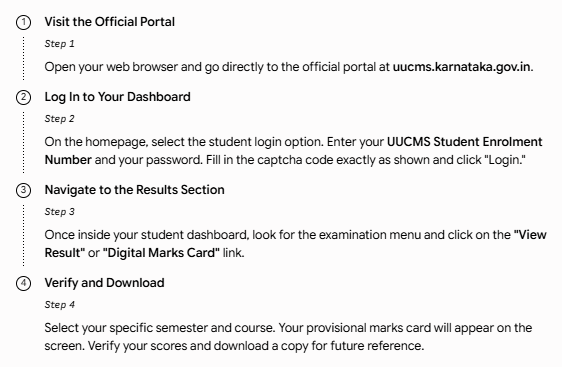
How to Check Karnataka UUCMS Semester Results Online?
The result checking process is simple and takes only a few minutes. Make sure you have your UUCMS Student Enrolment Number ready before starting.
Important Details to Verify on Your Digital Marks Card
Once you download your marks sheet, it is crucial to review all printed details. Errors on provisional marks cards can cause issues during final degree verification. Check the following items immediately:
-
Personal Information: Full name, spellings, and your roll/registration number.
-
Course Details: Your specific degree name (e.g., B.Sc, B.Com) and the correct semester.
-
Breakdown of Scores: Ensure both internal assessment marks and end-semester theory exam marks are listed correctly.
-
Final Status: Check the assigned grades, Semester Grade Point Average (SGPA), and overall result status (Pass/Fail).
Note: If you find any mismatch or blank spaces in your internal marks, report the issue to your college management immediately.
What to Do If You Are Not Satisfied with the Results?
If your scores are lower than expected, or if you feel a grading error occurred, you can apply for a revaluation, retotaling, or a photocopy of your answer scripts.
The Higher Education Department opens the revaluation window shortly after announcing results. Students can apply through their respective college dashboards after paying a prescribed university fee per subject. Once the reassessment is complete, any updated scores will automatically reflect on the same UUCMS portal.
Dealing with Technical Issues or Login Errors?
Due to heavy user traffic, the UUCMS website may experience occasional slowdowns or server timeouts. If you face account lockouts, password errors, or issues with online revaluation payments, do not panic. You can reach out to the official UUCMS helpdesk for assistance:
-
Helpline Number: 080-24411500 (Available between 10:00 AM and 5:30 PM on working days)
-
Support Email: uucms.helpdesk@karnataka.gov.in
Make sure to include your enrolment number and a clear screenshot of the error when sending an email to the support cell.

Further reading
📰 More Education News
- Rajasthan Board 12th half-yearly exam 2026-27 proposed for November 19 to December 5Oct 9, 2026 • Nishit Kumar
- BA/B.Com (Open Stream) and PG admissions at CM College Nadavayal: apply by prescribed dateOct 9, 2026 • Nishit Kumar
- Christ College Pune: Apply for BA English with 10+2 eligibilityOct 9, 2026 • Nishit Kumar
- KEA PGCET 2026 counselling dates revised: pay fees, confirm seats by October 9Oct 9, 2026 • Nishit Kumar