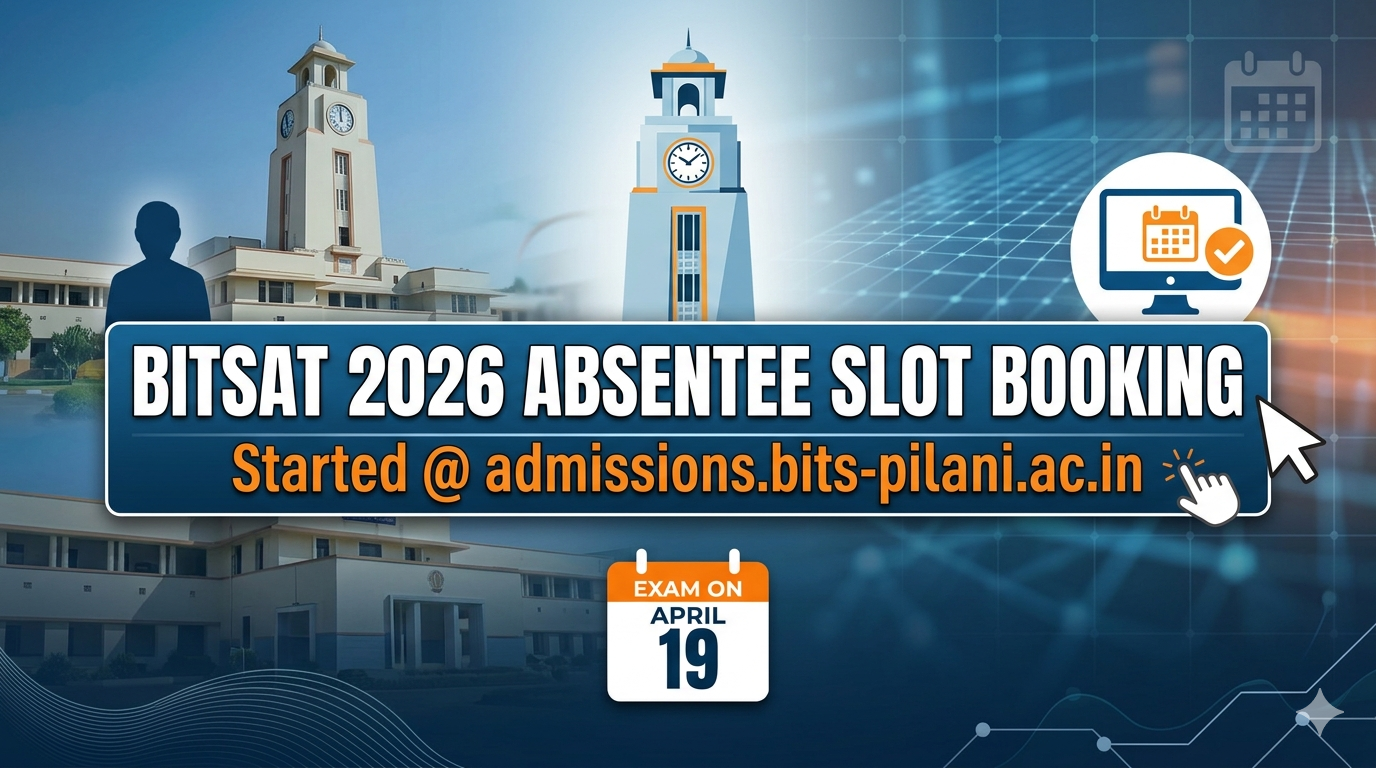
BITSAT 2026 Absentee Slot Booking Now Live at admissions.bits-pilani.ac.in; Exam Scheduled for April 19
The Birla Institute of Technology and Science (BITS), Pilani has officially opened the window for BITSAT 2026 Absentee Slot Booking for Session 1. Candidates who were unable to appear for the exam during its regular schedule on April 15 and 16 can now register for the special absentee session. The slot booking portal was activated today, April 17, 2026, at the official website, admissions.bits-pilani.ac.in.
This special provision serves as a critical second chance for students who missed their initial test dates due to valid reasons, such as clashing entrance examinations or travel issues for international students, specifically those from Gulf countries.
BITSAT 2026 Absentee Exam: Key Dates and Deadlines
For those who need to book their slots, the timeline is extremely tight. Below are the essential dates you need to keep in mind:
| Event | Date |
| Absentee Slot Booking Start | April 17, 2026 (10:00 AM) |
| Absentee Slot Booking End | April 17, 2026 (4:00 PM) |
| Absentee Exam Date | April 19, 2026 |
| Exam Mode | Online (Selected Cities Only) |
Who is Eligible for the Absentee Slot?
Not everyone can apply for this slot. BITS Pilani offers this facility only to candidates who:
-
Were registered and had paid the fee for BITSAT 2026 Session 1.
-
Missed their scheduled exam (April 15-16) because of a genuine clash with another public examination.
-
Are based in Gulf countries and faced logistical hurdles during the main dates.
It is important to note that the absentee exam will be held only at selected exam centers across the country, so students may need to check if their preferred city is available during the booking process.
People Also Read




How to Book Your BITSAT Absentee Slot?
If you fall into the eligible category, follow these steps immediately to secure your seat:
-
Visit the Official Portal: Go to admissions.bits-pilani.ac.in.
-
Login: Find the link for “BITSAT 2026 Session 1 Absentee Slot Booking” and enter your Application Number and Password.
-
Select Test City: Choose from the list of available cities where the absentee exam is being conducted.
-
Pick Your Slot: Select the available time and date (April 19).
-
Confirm and Save: Verify your details and submit. Don’t forget to download or print your updated hall ticket, which will be required on the exam day.
What Happens Next?
Once the slot booking closes this afternoon, the institute will finalize the logistics for the April 19 exam. If you miss this booking window, you will likely lose the chance to appear for Session 1. However, do not panic—the registration for BITSAT 2026 Session 2 is scheduled to open on April 20, 2026.
Students who appear for the absentee exam on April 19 should expect their results to be integrated into the main Session 1 score reports. Remember that BITSAT follows a marking scheme where each correct answer earns 3 marks, and every wrong answer results in a -1 mark deduction.
Quick Tips for the Exam Day
-
Carry the New Hall Ticket: Ensure you download the fresh admit card after booking the absentee slot.
-
Arrive Early: Since the absentee exam is held at limited centers, there might be more crowds; reach the center at least 60 minutes prior.
-
ID Proof: Carry a valid government-issued photo ID (Aadhaar, Passport, etc.).






📰 More Education News
- MHT CET 2026 Result Soon; PCM & PCB Final Answer Key Released, Bonus Marks to Be AddedJun 2, 2026 • Simran
- Kerala SSLC SAY 2026 Hall Ticket on June 4; Schools to Download and Distribute Admit CardsJun 2, 2026 • Simran
- BITSAT 2026 Preference Form Last Date Extended; Complete Choice Filling by June 3Jun 2, 2026 • Simran
- CUET UG 2026 Admit Card Released for Rescheduled Exams on June 6 and 7 at cuet.nta.nic.inJun 2, 2026 • Simran

![KEAM 2026 Result [Live]](https://articles.findmycollege.com/wp-content/uploads/2026/05/Gemini_Generated_Image_fbmnd4fbmnd4fbmn-2-768x429.png)