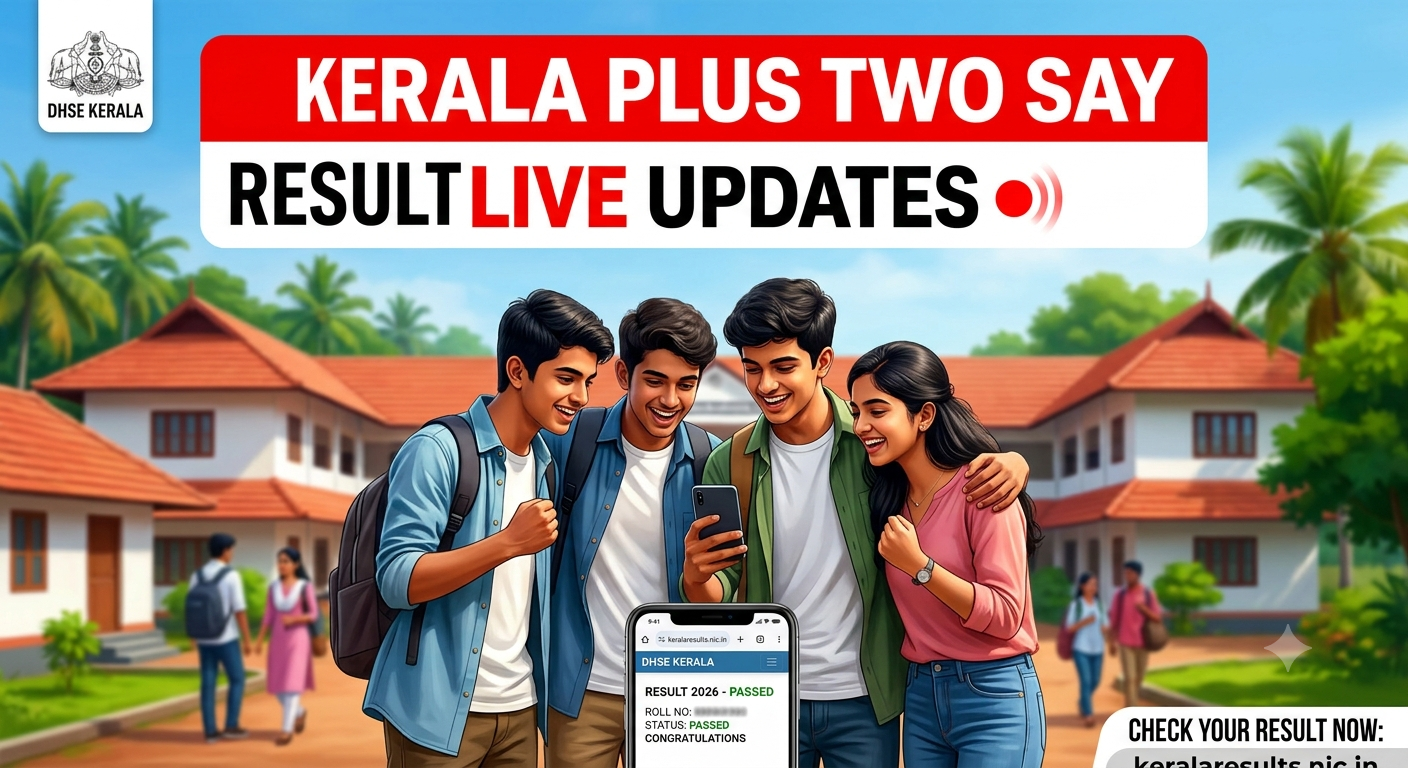
Kerala Plus Two SAY Result 2026 LIVE Updates: Check DHSE Supplementary Scorecard Date, Direct Links, and How to Download
The wait is almost over for thousands of students who appeared for the Save A Year (SAY) and Improvement examinations. The Directorate of Higher Secondary Education (DHSE), Kerala, is expected to release the Kerala Plus Two SAY Result 2026 by mid-July.
According to media reports and past trends, evaluation is in its final stages, and the board will host an official press conference shortly to announce the scores. Students who took the supplementary exams between June 29 and July 3, 2026, can download their provisional marksheets directly from the official portals using their seat number and date of birth.
Kerala Plus Two SAY Result 2026: Key Highlights
To keep things simple, here is a quick overview of the key details regarding the upcoming DHSE Kerala +2 supplementary results.
| Particulars | Details |
| Exam Name | Kerala Higher Secondary (Plus Two) SAY / Improvement Exam 2026 |
| Conducting Authority | Directorate of Higher Secondary Education (DHSE), Kerala |
| SAY Exam Dates | June 29 to July 3, 2026 |
| Result Status | Expected shortly (Tentatively by mid-July) |
| Official Websites | results.kite.kerala.gov.in, keralaresults.nic.in |
| Required Credentials | 8-digit Seat/Register Number and Date of Birth |
| Minimum Passing Criteria | 30% aggregate and D+ Grade in all subjects |
Official Websites to Check Kerala DHSE SAY Results
When the results go live, official websites often slow down due to high user traffic. Candidates are advised to keep these alternative official links handy:
-
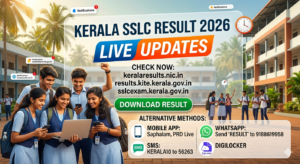
results.kite.kerala.gov.in
-
keralaresults.nic.in
-
results.hse.kerala.gov.in
-
dhsekerala.gov.in
-
examresults.kerala.gov.in
Apart from the web portals, students can quickly access their results using government-approved mobile applications like Saphalam, iExaMS – Kerala, or PRD LIVE.
How to Check Kerala Plus Two SAY Result 2026 Online
Checking your scorecard is simple. Follow this guide step-by-step to avoid any confusion on result day:
Note on Password Protection: If the downloaded PDF scorecard asks for a password, enter your 8-digit register number followed immediately by your date of birth in the DDMMYYYY format without any slashes or spaces.
Alternative Method: Check Plus Two SAY Result via SMS
If you run into internet connectivity issues, you can get your marks sent directly to your phone via SMS.
To use the SMS service, compose a message in this format:
KERALA12 [Space] Your Registration Number
Send it to the official number: 56263. You will receive your subject-wise marks as a text message within a few moments.
People Also Read

![KEAM 2026 Result [Live]: Date & Time, Scorecard Download Link at CEE Kerala](https://articles.findmycollege.com/wp-content/uploads/2026/05/Gemini_Generated_Image_fbmnd4fbmnd4fbmn-2-150x150.png)
Understanding the Passing Criteria
To pass the Kerala Class 12 board, students must satisfy the minimum qualification rules set by DHSE Kerala:
-
You must secure at least a 30% aggregate score across the continuous evaluation, practicals, and written terminal exams combined.
-
You must score a D+ grade or above in every individual subject to qualify for higher studies.
-
If you fail to achieve a D+ grade in this SAY exam, you will have to re-appear for the subject in the regular board exams next year.
What to Check on Your Provisional Marksheet
Once your result loads, review the printout carefully. Make sure there are no printing errors in these fields:
-
Student’s Full Name & School Code
-
Roll/Seat Number
-
Subject-wise Marks Obtained
-
Updated Total Marks & Final Grades
-
Qualifying Status (Pass / Eligible for Higher Studies)
If you notice any spelling mistakes or calculation errors, reach out to your school principal or the DHSE helpdesk immediately to request a correction before the original certificates are printed.
Keep a close eye on the official portal over the next few days for the final activation link!


Further reading
📰 More Education News
- University of Ladakh: Apply for M.Com, M.A, M.Sc, PhD for 2026 admissionsOct 7, 2026 • Nishit Kumar
- CUET 2027 exam pattern, duration, subjects to change: what changes for 15 lakh aspirantsOct 7, 2026 • Nishit Kumar
- CDAC recruitment 2026 application window open for 951 contractual posts; apply by October 26Oct 7, 2026 • Nishit Kumar
- JEECUP 2027 registration expected in January: what changes for polytechnic aspirantsOct 7, 2026 • Nishit Kumar