CSIR NET June 2026 Exam on July 17: Check Reporting Time and Guidelines Here
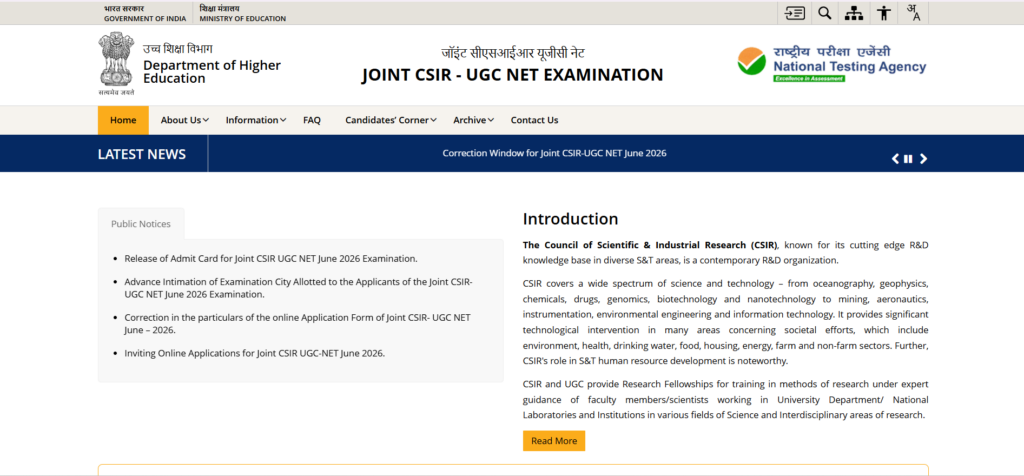
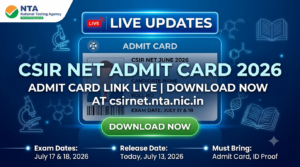
The countdown has officially begun for thousands of research and teaching aspirants across India. The National Testing Agency (NTA) is all set to conduct the Joint CSIR UGC NET June 2026 examination on July 17 and July 18, 2026. With the NTA having already released the admit cards on July 13, 2026, this is your final stretch to ensure everything is in order before you head to your designated exam center.
Getting your exam-day logistics right is just as crucial as your final revisions. To help you avoid any last-minute panic, we have compiled the absolute latest updates on shift timings, reporting times, and strict exam-day rules you must follow.
CSIR NET June 2026: Exam Dates and Shift Timings
The exam will be held in Computer-Based Test (CBT) mode. It is split across two days with different subjects scheduled for specific shifts.
Here is the official schedule released by the NTA for July 17 and 18:
| Exam Date | Subject | Shift & Timings |
| July 17, 2026 | Life Sciences | Shift 1: 09:00 AM to 12:00 Noon |
| July 17, 2026 | Mathematical Sciences | Shift 2: 03:00 PM to 06:00 PM |
| July 17, 2026 | Physical Sciences | Shift 2: 03:00 PM to 06:00 PM |
| July 18, 2026 | Chemical Sciences | Shift 1: 09:00 AM to 12:00 Noon |
| July 18, 2026 | Earth, Atmospheric, Ocean, and Planetary Sciences | Shift 1: 09:00 AM to 12:00 Noon |
Important CSIR NET June 2026 Reporting Times
NTA maintains incredibly strict gate-closing policies. Arriving even a minute late can result in you being locked out of the venue, so planning your commute in advance is vital.
-
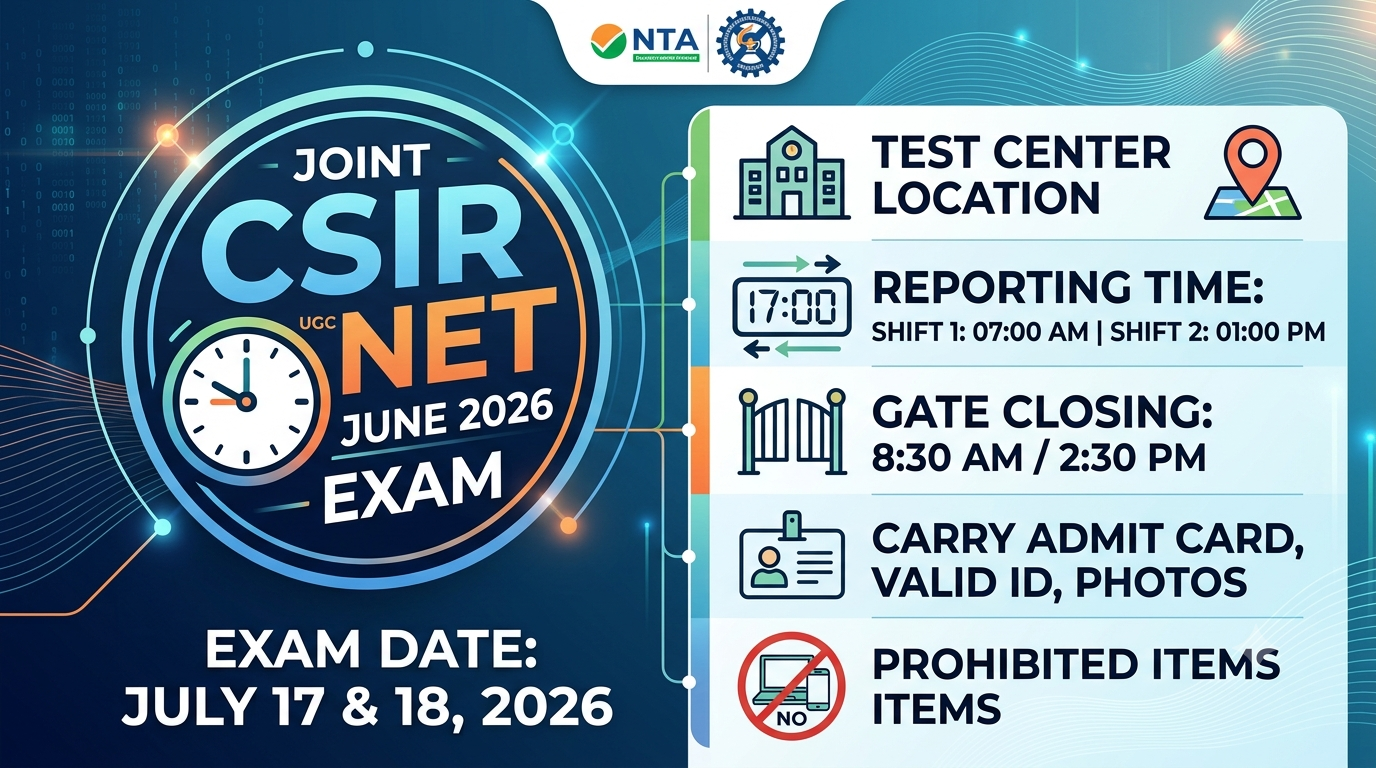
For Shift 1 (Morning): The exam starts at 9:00 AM. The official reporting time begins at 7:00 AM. The center gates will close strictly at 8:30 AM.
-
For Shift 2 (Afternoon): The exam starts at 3:00 PM. The official reporting time begins at 1:00 PM. The center gates will close strictly at 2:30 PM.
Make sure you target reaching the test center at least an hour before the gates close to complete security checks and biometric registration smoothly.
Essential Exam Day Guidelines: What to Carry
To secure smooth entry into the examination hall, you must carry a specific set of physical documents. Digital copies of your documents on your phone will not be accepted under any circumstances.
Make sure you pack the following items in your bag tonight:
-
Printed Admit Card: Download your provisional hall ticket from the official NTA portal and take a clear, high-quality printout. Ensure your signature and photograph are easily legible.
-
Valid Photo ID Proof: Carry any one original, government-issued photo ID. Acceptable IDs include an Aadhaar Card, PAN Card, Passport, Driving License, or Voter ID.
-
Passport-Sized Photographs: Carry at least two recent passport-sized photos. These must be identical to the photo you uploaded in your online application form.
-
Pen and Bottle: Bring a simple transparent blue or black ballpoint pen. You can also carry a transparent water bottle for hydration.
People Also Read



Key Computer-Based Test (CBT) Instructions
Since the examination is completely digital, there are a few system-related rules to keep in mind:
-
Rough Work Sheets: You will be provided with blank A4 sheets for rough work inside the examination hall. You must write your name and roll number at the top of these sheets and drop them in the designated drop box before leaving the room.
-
No Early Exits: No candidate will be allowed to leave the examination room before the full duration of 180 minutes (3 hours) is complete, regardless of how quickly you finish your paper.
-
Strict Prohibitions: Do not carry bags, mobile phones, smartwatches, calculators, books, or any metallic objects. Dress in light clothing with simple footwear (avoid thick soles or large buttons) to make the security frisking process faster.
Quick Steps to Download Your Admit Card
If you haven’t downloaded your hall ticket yet, do not wait until the last day to avoid portal traffic crashes.
-
Go to the official portal: csirnet.nta.nic.in.
-
Click on the active link for Joint CSIR UGC NET June 2026 Admit Card.
-
Log in by entering your Application Number and Date of Birth or password.
-
Double-check your allotted center address, reporting time, and personal details.
-
Download and print the PDF.
If you notice any discrepancies on your hall ticket or face issues downloading it, reach out to NTA at 011-40759000 or email csirnet@nta.ac.in.
Stay calm, trust your hard work, and get plenty of rest before the exam day. Good luck!




Further reading
📰 More Education News
- Tamil Nadu NEET PG merit list out: download PDF for 4,654+ MD/MS/Diploma seatsOct 13, 2026 • Nishit Kumar
- PPMET 2026 Round 4 counselling: provisional seat allotment on October 15, report by October 19Oct 13, 2026 • Nishit Kumar
- NMAT 2026 exam window opens November 2; how it differs from CAT in difficulty, patternOct 13, 2026 • Nishit Kumar
- Masters of Business Analytics in Australia: fees, eligibility, and post-study work visa detailsOct 13, 2026 • Nishit Kumar