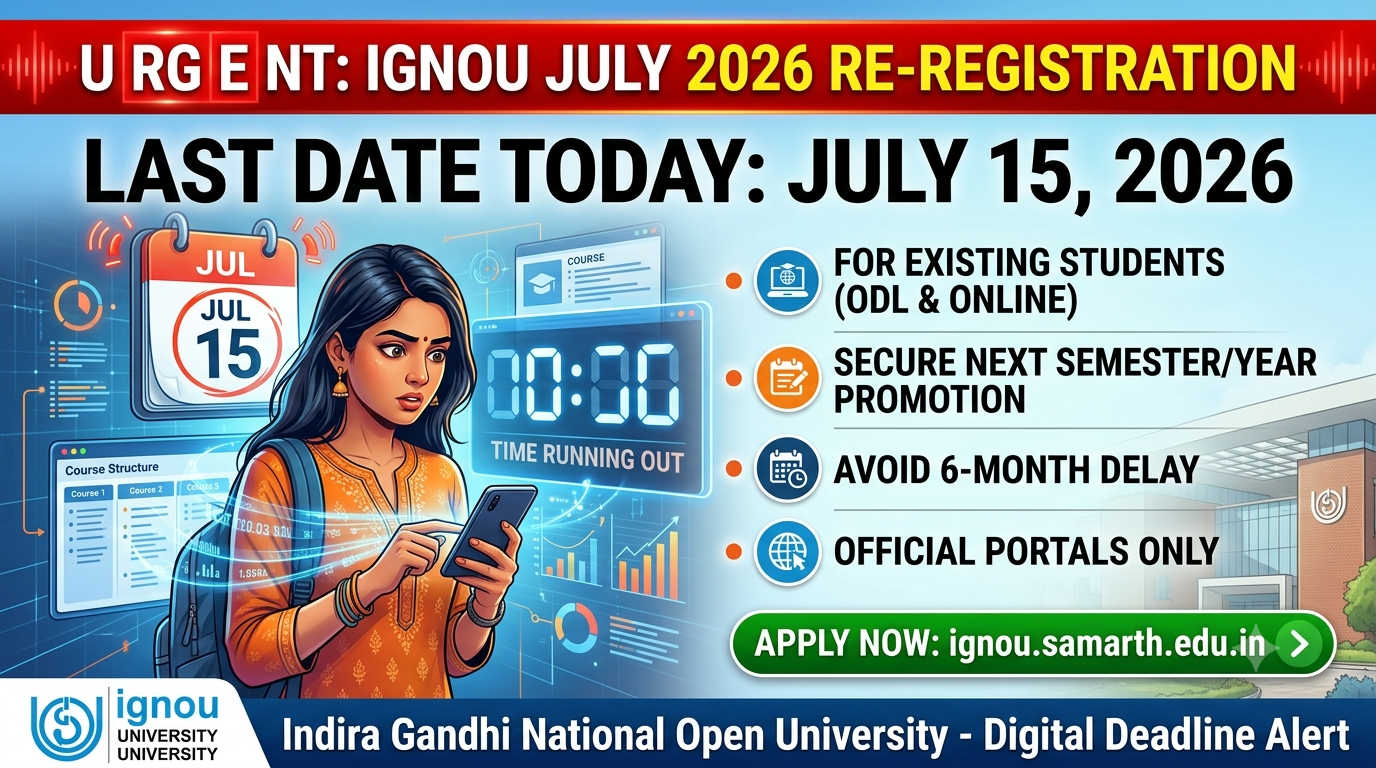
IGNOU July Re-Registration 2026 Last Date Today; Apply for ODL & Online Programmes Now
The Indira Gandhi National Open University (IGNOU) will close the re-registration window for the July 2026 academic session today, July 15, 2026. Existing students enrolled in various Undergraduate (UG), Postgraduate (PG), Diploma, and Semester-based courses must submit their forms before midnight to avoid missing out on their next academic term.
The deadline applies to all programs offered by IGNOU under both the Online Distance Learning (ODL) and Online (OL) modes. Candidates who have not yet submitted their applications are strongly advised to visit the official IGNOU portals, onlinerr.ignou.ac.in or ignou.samarth.edu.in, to secure their promotion to the next semester or year.
Why is IGNOU Re-Registration Mandatory?
Many students confuse re-registration with fresh admission. While fresh admission is for new applicants, re-registration is compulsory for existing students who want to move to the next semester or year of their ongoing program.
Crucial Note: Even if you have skipped a previous Term-End Examination (TEE) or failed a subject, you must still re-register to keep your academic cycle on track. Failing to do so today will result in a six-month delay in completing your degree.
IGNOU July 2026 Re-Registration: Key Highlights
| Event | Status / Important Details |
| Re-Registration Deadline | Today, July 15, 2026 |
| Applicable Streams | Arts, Science, Commerce, Management, IT, Social Work |
| Mode of Application | Online only |
| Official Portals | onlinerr.ignou.ac.in / ignou.samarth.edu.in |
| Registration Fee | ₹300 (Non-refundable base charge) + Course Fee |
| Prerequisites | Enrollment Number, Registered Mobile/Email, APAAR ID |
Which Programmes Fall Under This Deadline?
The re-registration window is live across a wide array of fields. Existing students tracking the following programs must complete their updates immediately:
-
Undergraduate Courses: BA, BCom, BSc, BCA, BBA, BSW
-
Postgraduate Courses: MA, MCom, MSc, MBA, MCA, MSW
-
Other Programs: Integrated teacher education programs, multi-year diplomas, and specific advanced certificates.
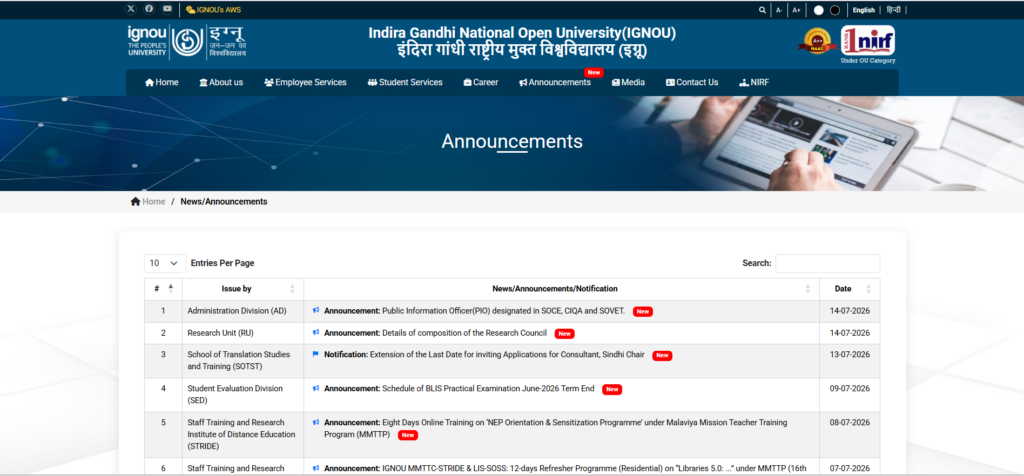
Step-by-Step Guide to Apply Online Before Midnight
To avoid massive server traffic delays during the final hours, students should keep their log-in credentials and payment options ready. Follow these direct steps to complete the process smoothly:
Important Tips for the Last Hours
-
Check Payment Status: If your transaction gets deducted but shows “failed” on the portal, do not panic or immediately repay. Wait for a few minutes or log out and log back in to check if the status updates.
-
System Check: For students choosing the pure Online (OL) mode, ensure you have proper computer access and are comfortable tracking soft-copy Study Learning Materials (SLM), as physical books are not distributed for the online format.
-
Helpline Support: In case of persistent technical glitches or password issues, students can reach out to the central student support centre via 011-29572513 or email registrar@ignou.ac.in.
Make sure to log in right away, complete your forms, and avoid waiting until the last hour when traffic peaks.
For a complete visual walkthrough of the process and tips on handling potential portal issues, you can watch this helpful IGNOU Re-Registration Guide, which details what to expect during the final deadlines.





Further reading
📰 More Education News
- MP NEET PG counselling 2026 round 1 registrations open; apply by 20 OctoberOct 14, 2026 • Nishit Kumar
- UIIC AO Prelims: Download admit card this week for Oct 22 examOct 14, 2026 • Nishit Kumar
- APSC Veterinary Officer: Download admit card 23 Nov; exam 29 NovOct 14, 2026 • Nishit Kumar
- NHRC Winter Internship 2026: apply by October 15 for Rs 12,000 stipendOct 14, 2026 • Nishit Kumar